Receiver & Billing Information
Receiver & Billing Information
Section titled “Receiver & Billing Information”We utilise as much as standard Business Central as possible and for receiver (and billing) information this is no different.
Default (Sell-to Address)
Section titled “Default (Sell-to Address)”Your receiver information will always correnspond to your ship-to fields in Business Central, by default this is always set to be equal to your sell-to information on a Sales Order.
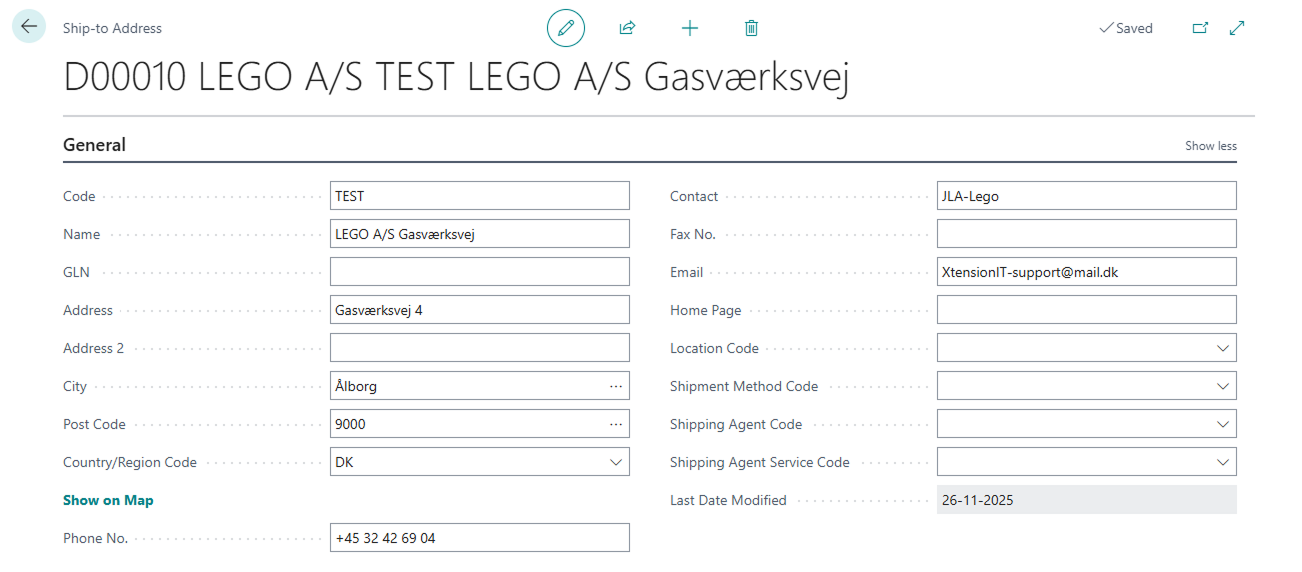
Alternate Shipping Address
Section titled “Alternate Shipping Address”If you select an Alternate Shipping Address all of the fields from Alternate Shipping Address Card will be utilised this includes Phone no. - E-mail & even choice of Shipping Agent & Shipping Agent service.
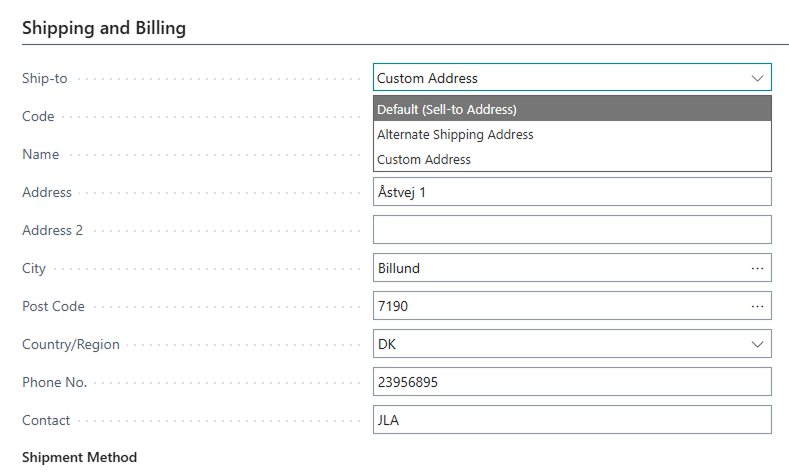
Custom Address
Section titled “Custom Address”If you select a Custom Receiver Address these fields will be used for receiver information except e-mail as there is no standard Business Central field for this when using a Custom Address - so therefore we are forced to use the Sales header email (sell-to) - We have requested for Microsoft to add this since they added the Ship-to Phone no. field, however, they did not believe it necessary. If you or your Business Central Partner want to add a custom field for this we have an EventSubscribers you can use to easily adjust our integrations to use your custom field.