Confirmation Types
Confirmation Types
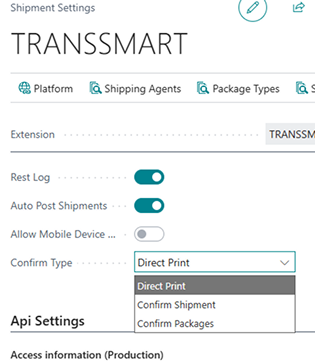
Section titled “Confirmation Types”You can select between three Confirmation types:
- Direct Print
- Confirm Shipment
- Confirm Package
Direct Print
Section titled “Direct Print”When this is select shipments will be sent directly, without confirmation - utilise this if you are sure of your process and do not want the added step of confirming data for your shipments.
Confirm Shipment
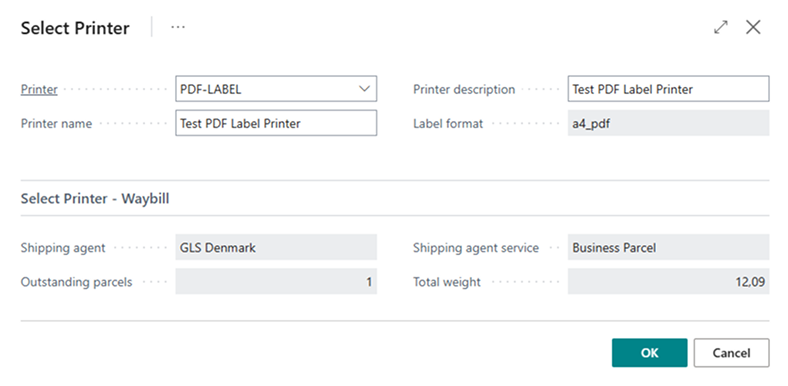
Section titled “Confirm Shipment”Before the Shipment and its packages are posted and sent to the Carrier via the Multi-Carrier platform users will be prompted to confirm the data of the entire shipment, users have the possiblity of changing the printer if they desire.
Confirm Packages
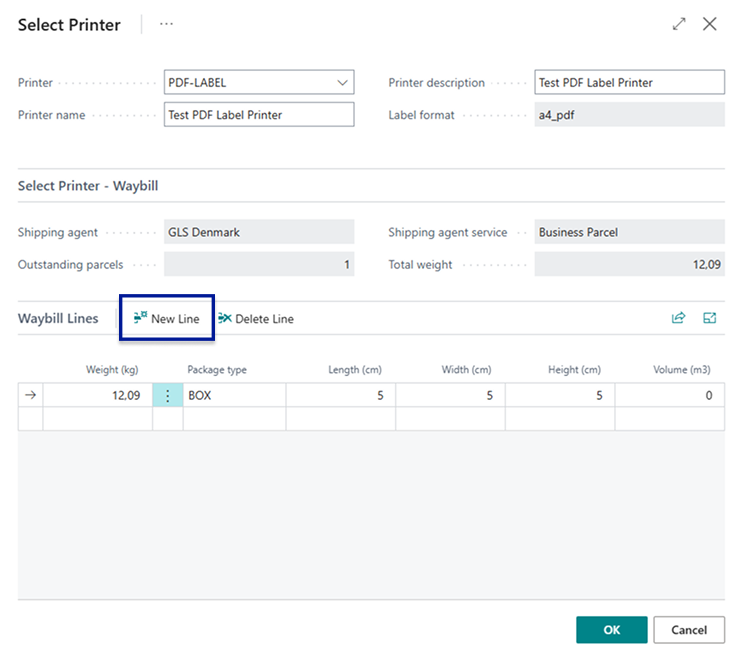
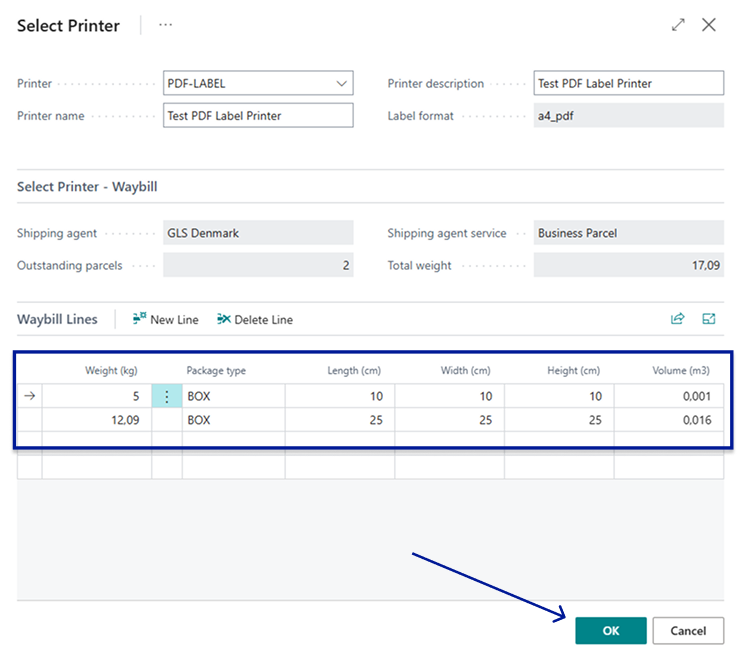
Section titled “Confirm Packages”Before the Shipment and its packages are posted and sent to the Carrier via the Multi-Carrier platform users will be prompted to confirm the data of each package of the shipment. Here it is possible to make additions to the Waybill lines, you can add or delete waybill lines or change existing waybill lines such as their weight & dimensions or package type, as well as the printer used for labels.